ON THIS PAGE

  • Demo
  • Source code
  • Pipeline

Script camera control

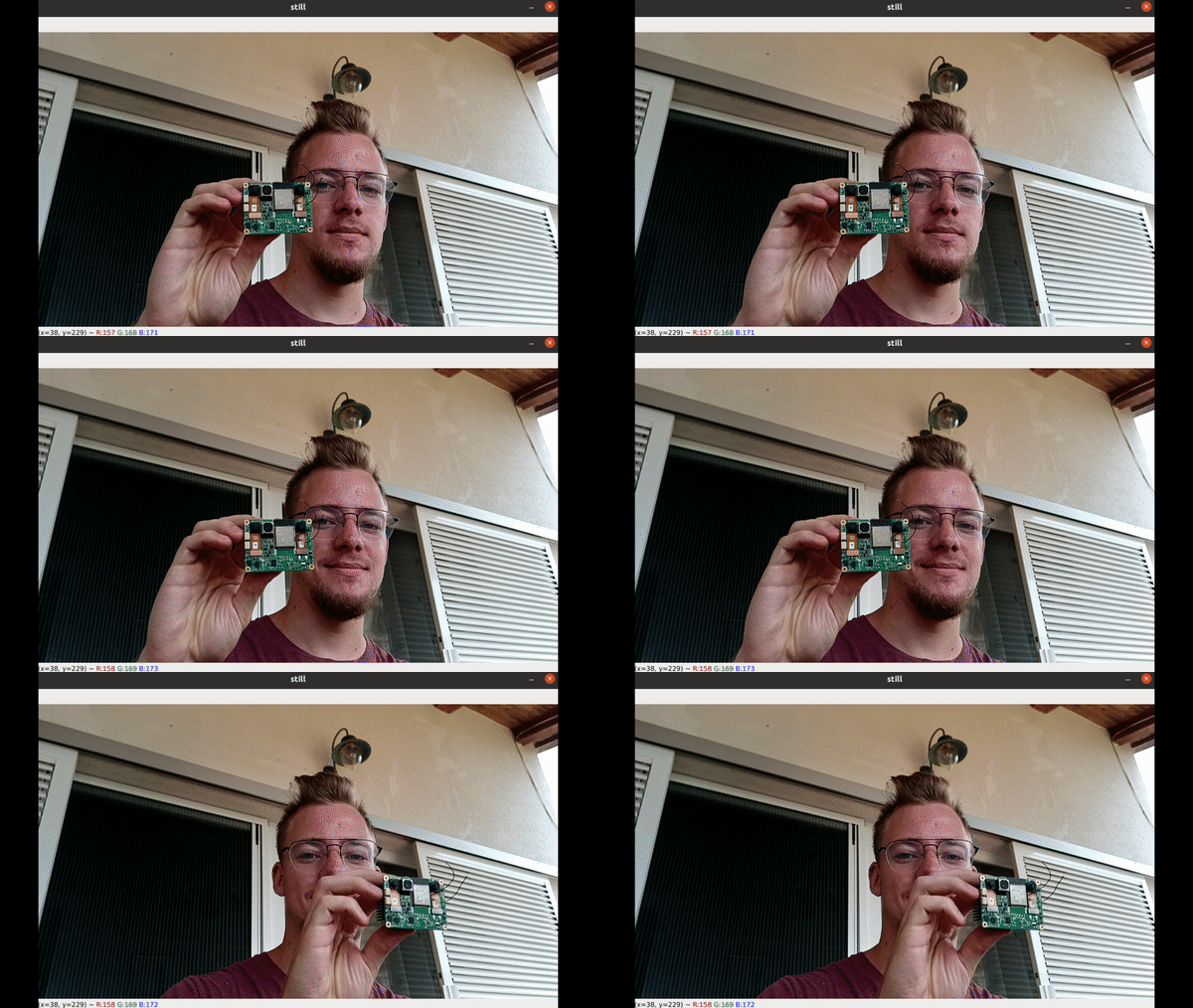
This example shows how to use Script node. It controls the ColorCamera to capture a still image every second.

Demo

Camera control
This example requires the DepthAI v3 API, see installation instructions.

Source code

Python

Python
GitHub
1#!/usr/bin/env python3
2import cv2
3import depthai as dai
4
5# Start defining a pipeline
6pipeline = dai.Pipeline()
7
8# Define a source - color camera
9cam = pipeline.create(dai.node.ColorCamera)
10
11# Script node
12script = pipeline.create(dai.node.Script)
13script.setScript("""
14    import time
15    ctrl = CameraControl()
16    ctrl.setCaptureStill(True)
17    while True:
18        time.sleep(1)
19        node.io['out'].send(ctrl)
20""")
21
22# XLinkOut
23xout = pipeline.create(dai.node.XLinkOut)
24xout.setStreamName('still')
25
26# Connections
27script.outputs['out'].link(cam.inputControl)
28cam.still.link(xout.input)
29
30# Connect to device with pipeline
31with dai.Device(pipeline) as device:
32    while True:
33        img = device.getOutputQueue("still").get()
34        cv2.imshow('still', img.getCvFrame())
35        if cv2.waitKey(1) == ord('q'):
36            break

C++

1#include <iostream>
2
3// Includes common necessary includes for development using depthai library
4#include "depthai/depthai.hpp"
5
6int main() {
7    using namespace std;
8
9    // Start defining a pipeline
10    dai::Pipeline pipeline;
11
12    // Define a source - color camera
13    auto colorCam = pipeline.create<dai::node::ColorCamera>();
14
15    // Script node
16    auto script = pipeline.create<dai::node::Script>();
17    script->setScript(R"(
18        import time
19        ctrl = CameraControl()
20        ctrl.setCaptureStill(True)
21        while True:
22            time.sleep(1)
23            node.io['out'].send(ctrl)
24    )");
25
26    // XLinkOut
27    auto xout = pipeline.create<dai::node::XLinkOut>();
28    xout->setStreamName("still");
29
30    // Connections
31    script->outputs["out"].link(colorCam->inputControl);
32    colorCam->still.link(xout->input);
33
34    // Connect to device with pipeline
35    dai::Device device(pipeline);
36    while(true) {
37        auto img = device.getOutputQueue("still")->get<dai::ImgFrame>();
38        cv::imshow("still", img->getCvFrame());
39        if(cv::waitKey(1) == 'q') {
40            break;
41        }
42    }
43
44    return 0;
45}

Pipeline

Need assistance?

Head over to Discussion Forum for technical support or any other questions you might have.