API 密钥
仅限后端使用的机密信息
请仅将 Hub API 密钥保存在您的后端或服务器端工具中。请勿在浏览器代码、移动应用程序、公共存储库或其他客户端环境泄露它们。
创建 API 密钥
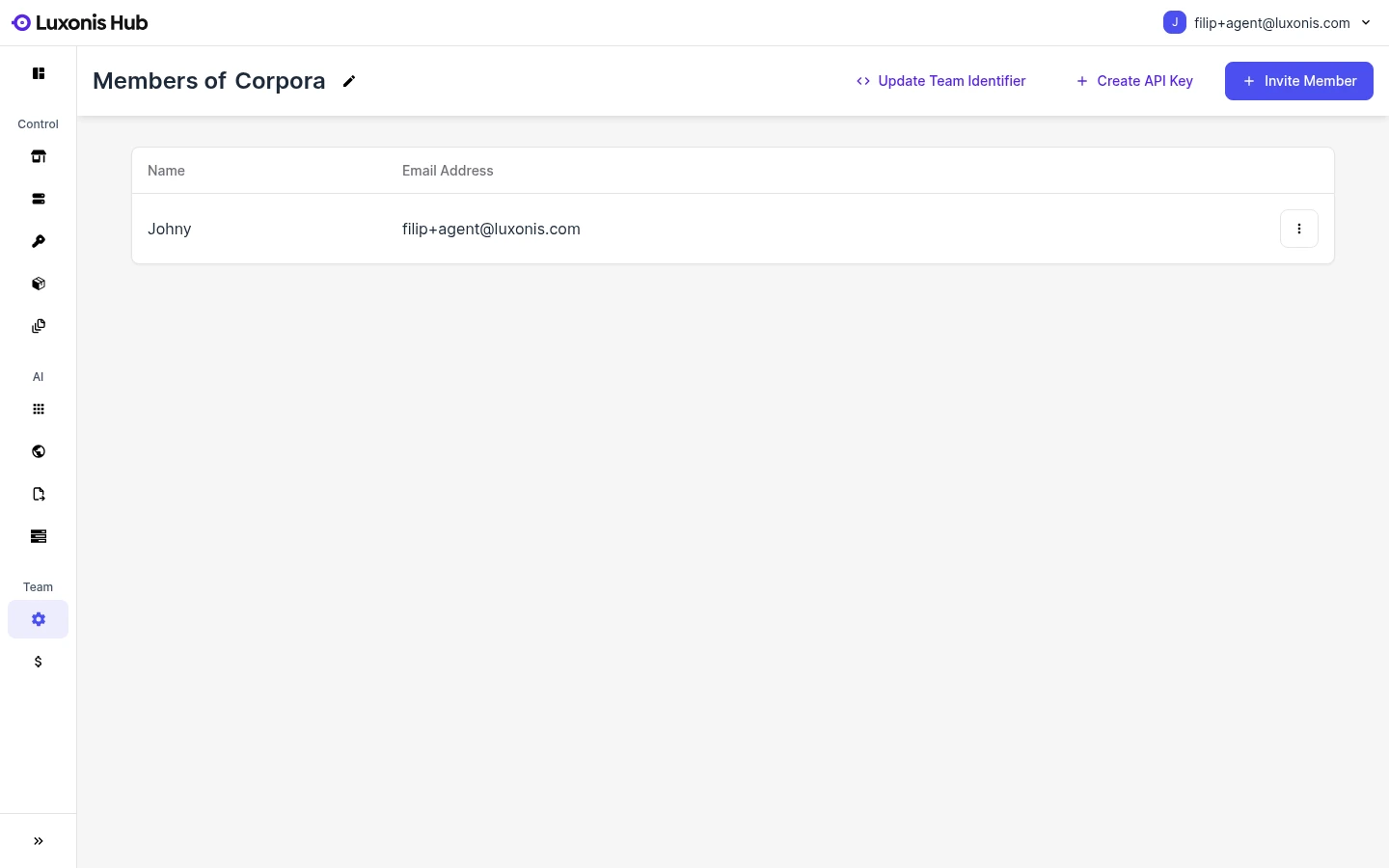
- 导航到 团队设置
- 点击 创建 API 密钥 按钮
从您的后端使用密钥
Authorization 标头中包含带有 Bearer 前缀的 API 密钥来使用它。最常见的模式是:- 您的面向客户的应用程序向您自己的后端进行身份验证。
- 您的后端安全地存储 Hub API 密钥。
- 您的后端代表您的产品工作流调用 Hub API。
- 您的前端仅接收其所需的派生负载。
Command Line
1curl -X POST https://api.cloud.luxonis.com/graphql \
2  -H "Authorization: Bearer tapi._R06IFhNCIZ_Sgj505i9Ow.ca_8I5JbY...r-coSA" \
3  -H "Content-Type: application/json" \
4  -d '{
5    "query": "query { team { devices { nodes { id name } } } }"
6 }'team { ... } 接口。相关文档
Integration Architecture
See the recommended customer frontend, customer backend, and Hub control-plane split.
About GraphQL
Build GraphQL requests against the public Hub control API.
Models API
Use the separate models API for advanced model registry and conversion automation.
Snaps in DepthAI
Send snaps and related data to Luxonis Hub from DepthAI applications.