入门
弃用通知
此页面介绍的功能已在 Luxonis Hub 中移除或替换。功能可能受限,仅适用于 Hub Original 客户。请参阅最新指南来配置设备、管理设备组以及部署应用程序。
- 已连接到 Luxonis Hub 的 OAK 设备(连接 OAK)
访问 Luxonis Hub 网站,然后转到 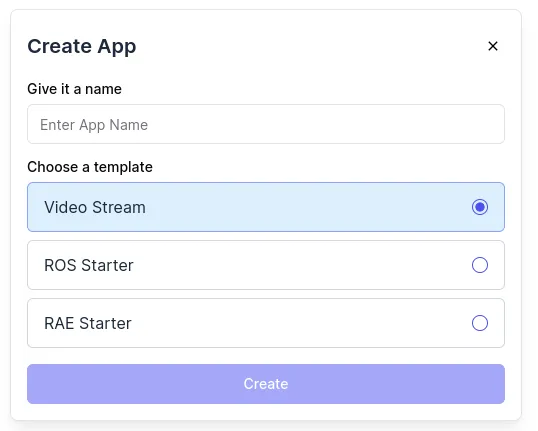
Apps。点击 Create App 并填写名称。选择一个 可用模板(如果不确定,请选择 Video Stream)。Create。几秒钟后,应用程序应出现在您的团队应用列表中。导航到要开发应用的 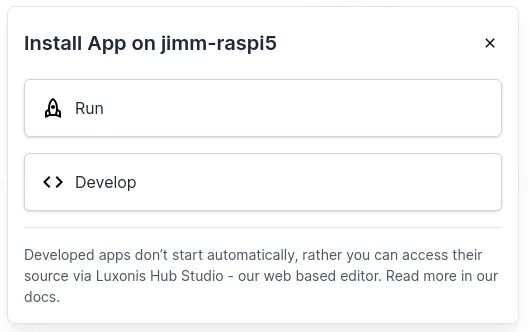
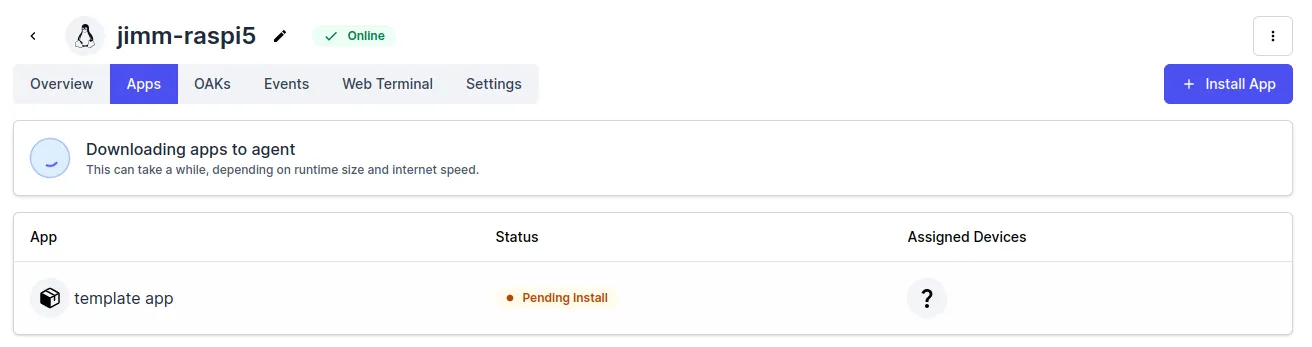
Device 详细信息页面。点击 Apps,然后点击 Install App。在对话框中选择 Develop。Install with selected。Status 显示为 Stopped,即可用于开发。点击您刚刚安装的应用,这将打开详细信息页面。在右侧面板中,一个带有文本 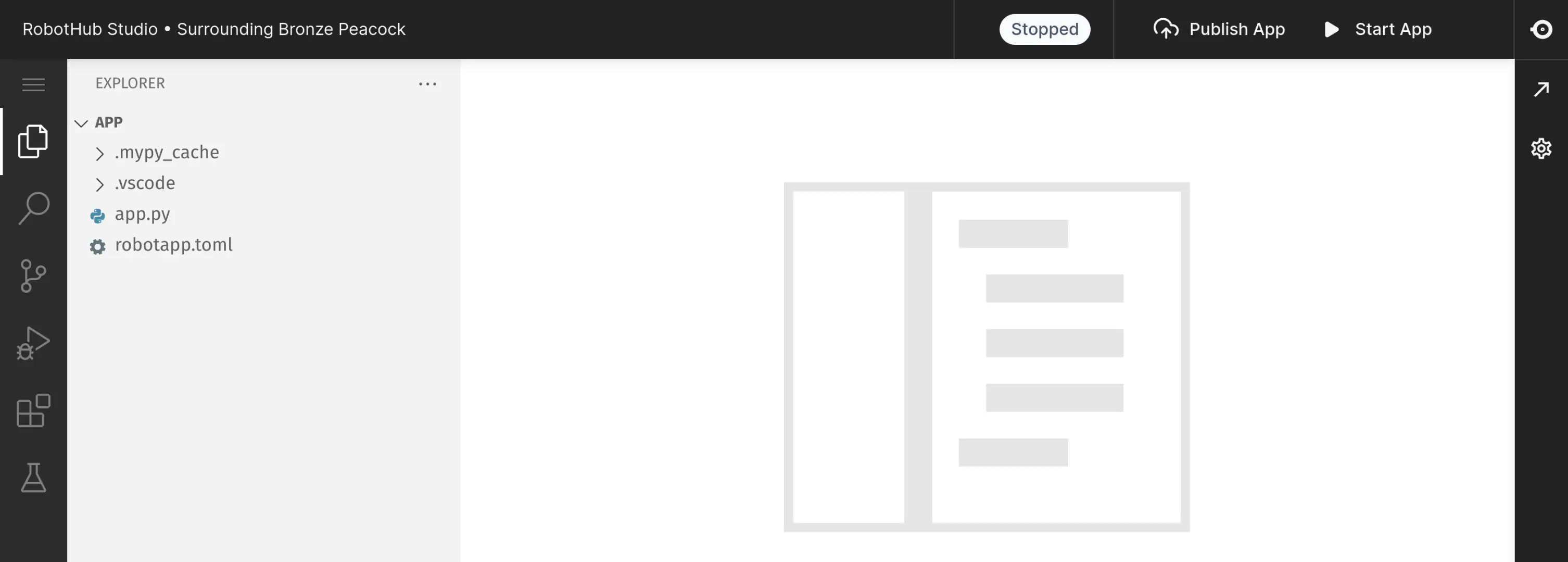
Code Editor 的按钮将打开 Luxonis Hub Studio。由于 Studio 在与应用相同的容器中本地运行,因此您必须连接到与 Robot 相同的网络。
后续步骤
Understand the template code
Follow our detailed guide that explains every part of the code.
Luxonis Hub Studio
Discover our web based IDE.
Explore the Camera SDK
DepthAI is our Python library to connect to and configure the camera.
Explore the Cloud SDK
robothub is our Python library that simplifies usage in Luxonis Hub and enables interaction with the cloud.