OAK 应用概述
OAK 应用 让您能够开发、容器化、部署和管理容器化视觉应用,覆盖从单个单元到大规模设备集群的 Luxonis OAK 设备。它们运行在 OAK4 设备上预装的 oak-agent 服务(属于 Luxonis OS 的一部分),因此您可以立即开始部署。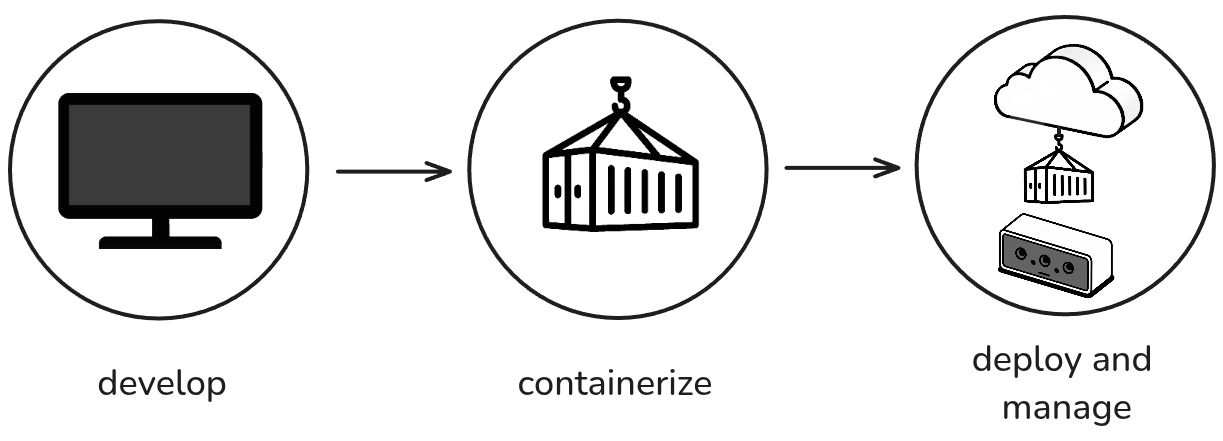
什么是 OAK 应用?
- 一致的开发环境 - 构建一次,随处部署
- 简化的部署 - 打包应用程序所需的一切
- 设备集群管理 - 同时部署到多个设备
- 与 Luxonis Hub 集成 - 远程监控和管理设备
.oakapp 文件),您就可以将其移动并安装到其他设备上,而无需重新构建或连接互联网。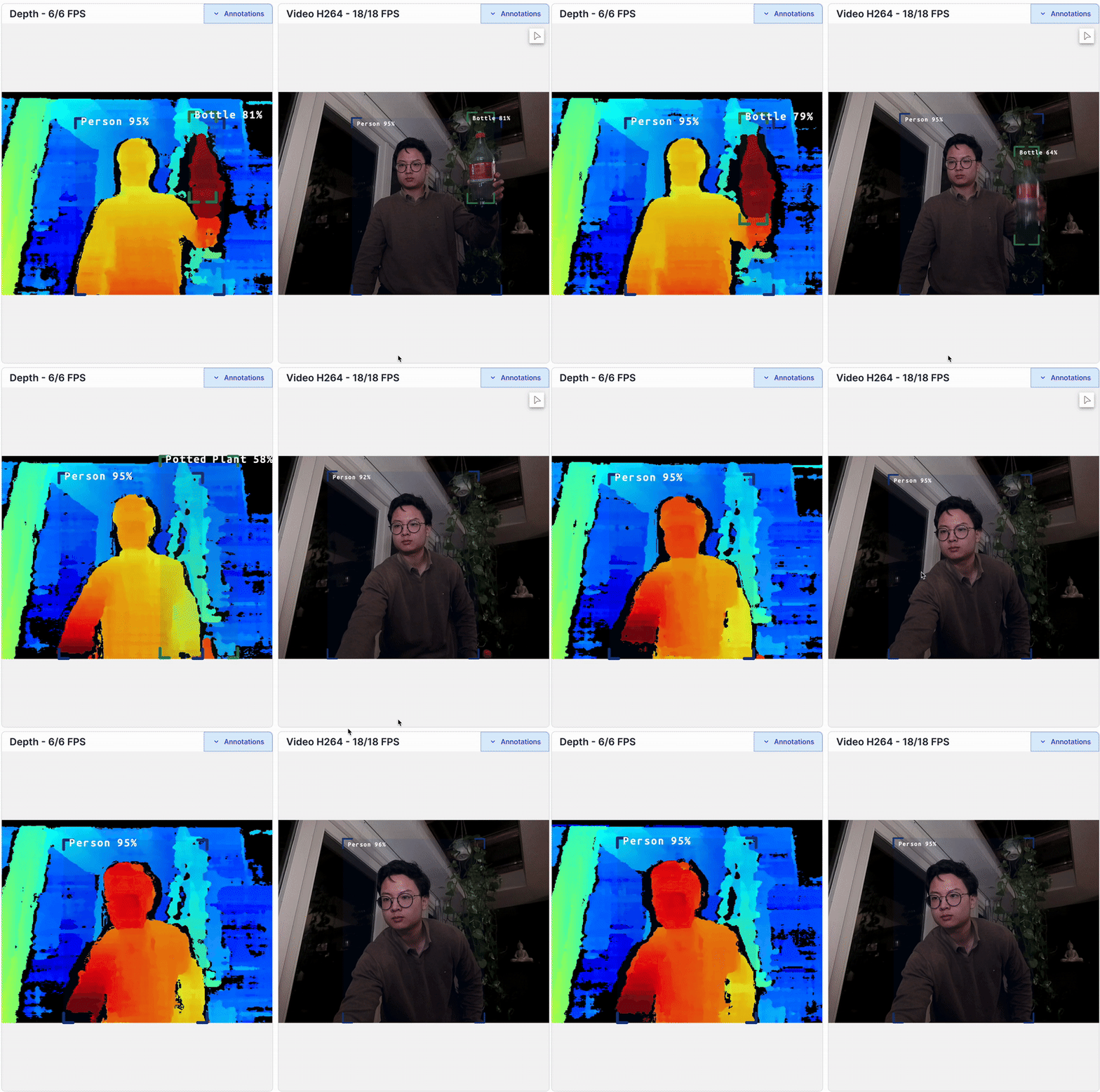
创建您的 OAK 应用
项目结构
一个基本的 OAK 应用项目结构:
Text
1my-oak-app/
2├── .oakappignore      # (可选) 在设备上构建应用时要忽略的文件
3├── main.py            # 您的主要应用程序代码
4├── requirements.txt   # Python 依赖项
5└── oakapp.toml        # 应用配置
oakapp.toml 文件是必需的,包含应用元数据和构建说明。使用 oakctl 进行部署
oakctl 是一个命令行工具,允许您与 OAK4 摄像头进行交互。它可用于在运行 oak-agent 服务的设备上创建、部署和管理应用。Linux/MacOS
在 64 位系统上,运行:
Command Line
1bash -c "$(curl -fsSL https://oakctl-releases.luxonis.com/oakctl-installer.sh)"操作系统兼容性图表
| RVC4 操作系统版本 | oakctl 版本 | 命令 |
|---|---|---|
| OS 1.14.1+ | 0.11.0+ | oakctl self-update (当前稳定版) |
| OS 1.11 | 0.9.0 | oakctl self-update -v 0.9.0 |
| OS 1.8 | 0.4.2 | oakctl self-update -v 0.4.2 |
| OS 1.6 | 0.2.11 | oakctl self-update -v 0.2.11 |
构建和运行应用
Command Line
1# 直接从源代码运行应用
2oakctl app run ./my-oak-app
3
4# 将应用构建成可分发包
5oakctl app build ./my-oak-app
6
7# 安装已构建的应用
8oakctl app install my-oak-app.oakapp
应用管理
Command Line
1# 列出已安装的应用
2oakctl app list
3
4# 启动应用
5oakctl app start <container-id>
6
7# 查看应用日志
8oakctl app logs <container-id>
9
10# 停止应用
11oakctl app stop <container-id>
12
13# 启用自动启动
14oakctl app enable <container-id>
设备管理
Command Line
1# 列出已连接的设备
2oakctl list
3
4# 连接到特定设备
5oakctl connect <device-ip>
oakapp.toml 配置
oakapp.toml 文件定义了您的应用构建和运行时配置:Toml
1# (Required) App Identifier
2identifier = "com.luxonis.python_demo"
3# (Required) App Entrypoint
4entrypoint = ["bash", "-c", "python3 /app/main.py"]
5
6# (Optional) Prepare container commands
7# Here is the place where you can install all the dependencies that are needed at run-time
8prepare_container = [
9    { type = "COPY", source = "requirements.txt", target = "requirements.txt" },
10    { type = "RUN", command = "apt-get update" },
11    { type = "RUN", command = "apt-get install -y python3-pip" },
12    { type = "RUN", command = "pip3 install -r /app/requirements.txt --break-system-packages" },
13]
14
15# (Optional) Prepare build dependencies
16# Here is the place where you can install all the dependencies that are needed at build-time
17prepare_build_container = [
18    # Example: npm, gcc, ...
19]
20
21# (Optional) Additional commands after all the app files are copied to the container
22build_steps = []