使用 RockPi 进行部署
pip 安装依赖项和库本身。可以在 PyPi 上查看各种平台的预构建 wheel。RockPi 4
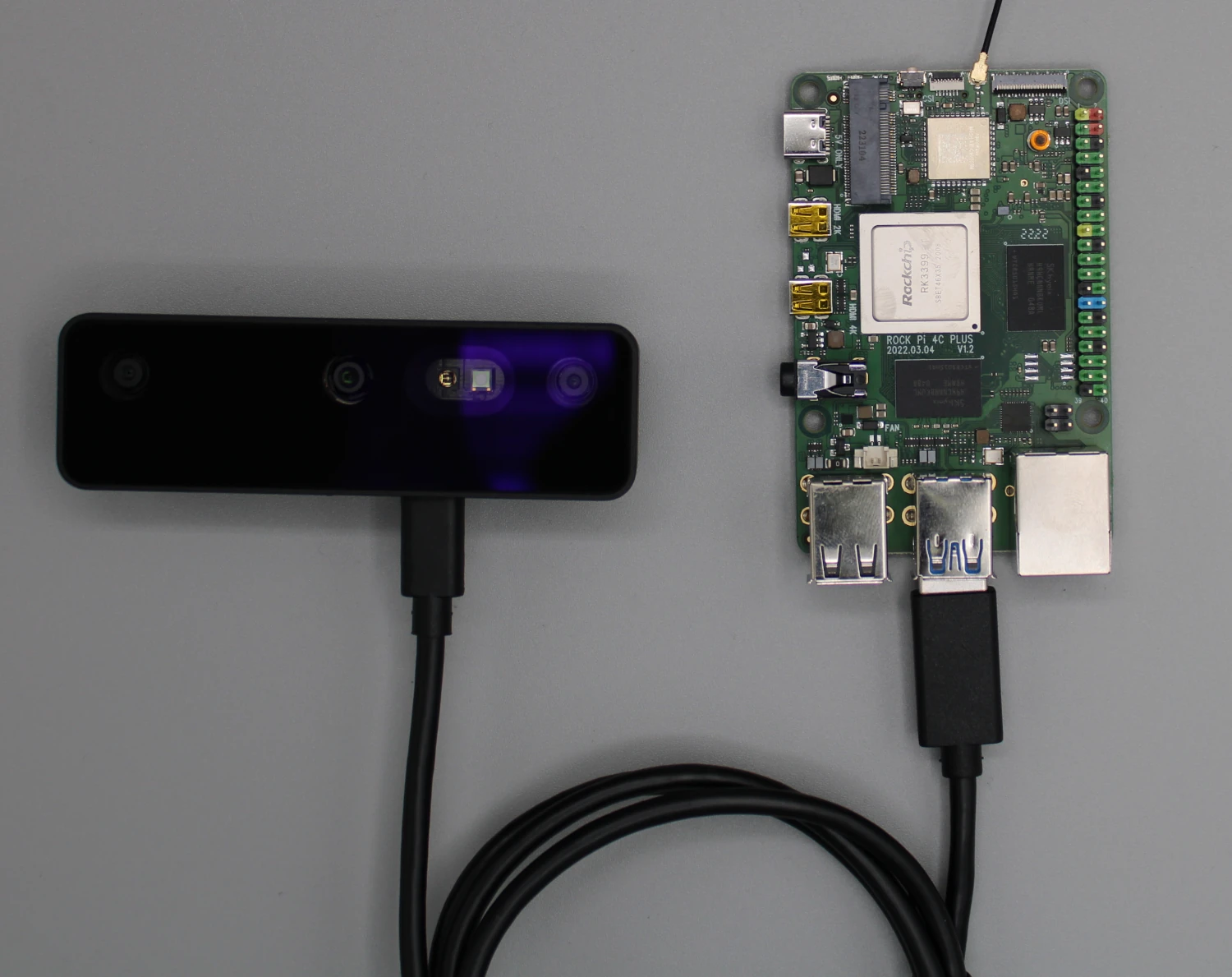
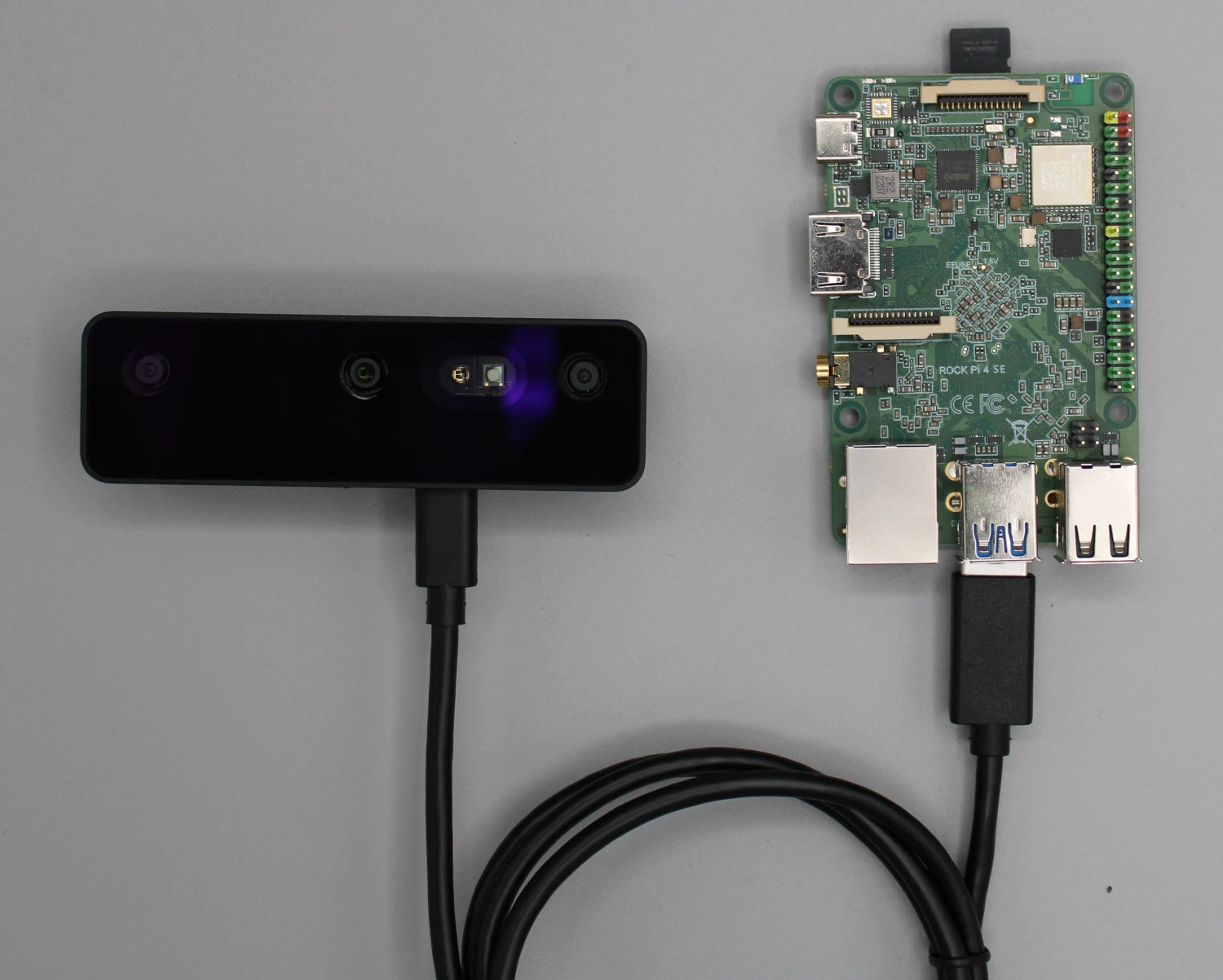
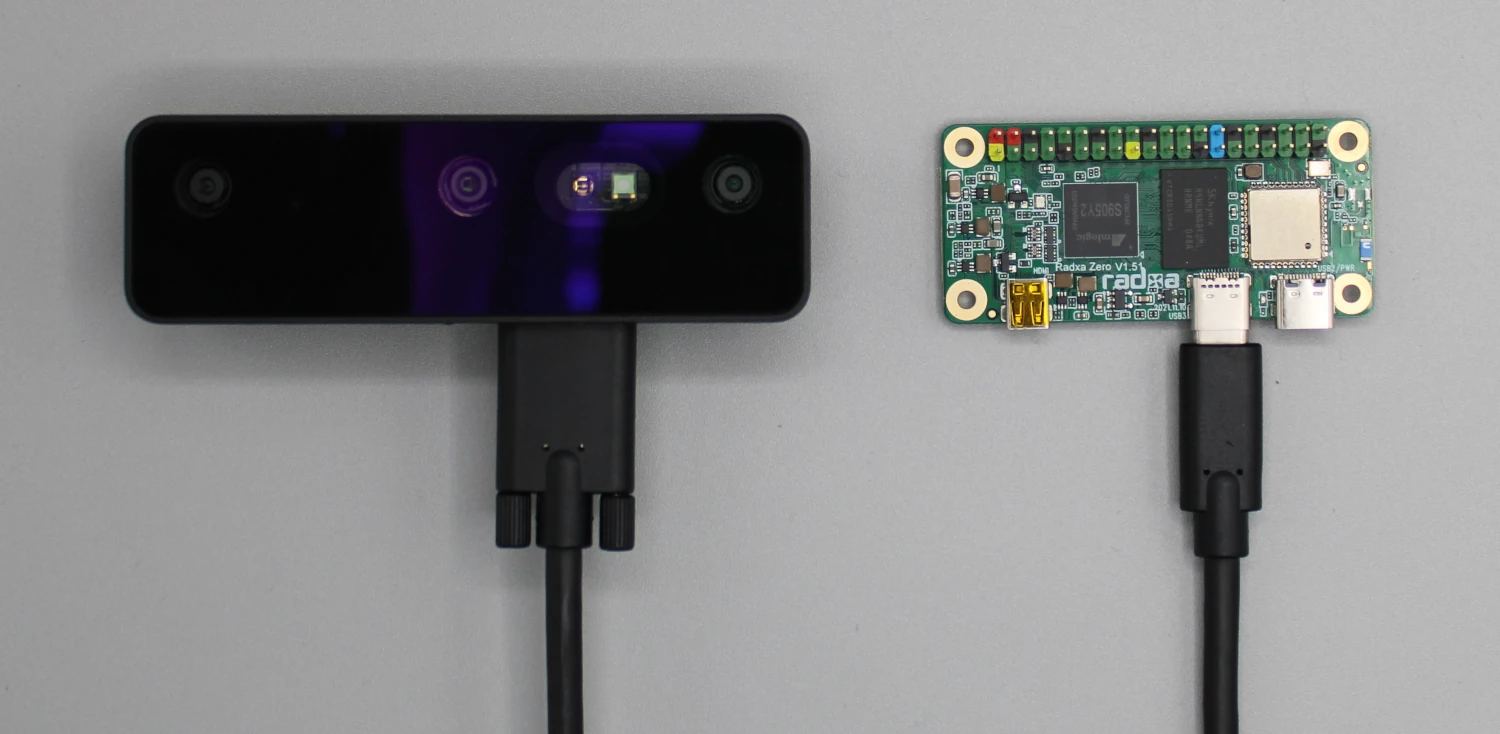
RockPi 4
在 RockPi 4 上安装 DepthAI
- Ubuntu Server (20.04)
- Debian 11 Desktop
打开终端窗口并运行以下命令来更新您的系统:
Command Line
1sudo apt update && sudo apt upgrade安装 DepthAI 的依赖项:此脚本应能处理大多数依赖项的安装。如果此脚本失败,请仔细检查是否有 RockPi 特定的依赖项。
Command Line
1sudo wget -qO- https://docs.luxonis.com/install_dependencies.sh | bash使用 Python 虚拟环境是一个好习惯:在继续安装 DepthAI 之前,请确保您已激活虚拟环境。
Command Line
1sudo apt install python3-venv
2python3 -m venv depthai-env
3source depthai-env/bin/activate克隆 DepthAI 仓库并安装库
Command Line
1git clone https://github.com/luxonis/depthai-python.git
2cd depthai-python
3python3 examples/install_requirements.py最后一步是编辑
.bashrc 文件,添加以下行:Command Line
1echo "export OPENBLAS_CORETYPE=ARMV8" >> ~/.bashrcOAK 在 RockPi 上的功耗考量
远程连接到 RockPi
Command Line
1ssh username@rockpi_ip_address-X 标志进行 X11 转发:Command Line
1ssh -X username@rockpi_ip_address- 在您的 RockPi 上安装 VNC 服务器。
- 启用并配置 VNC 服务器。
- 从另一台计算机使用 VNC 客户端进行连接。